
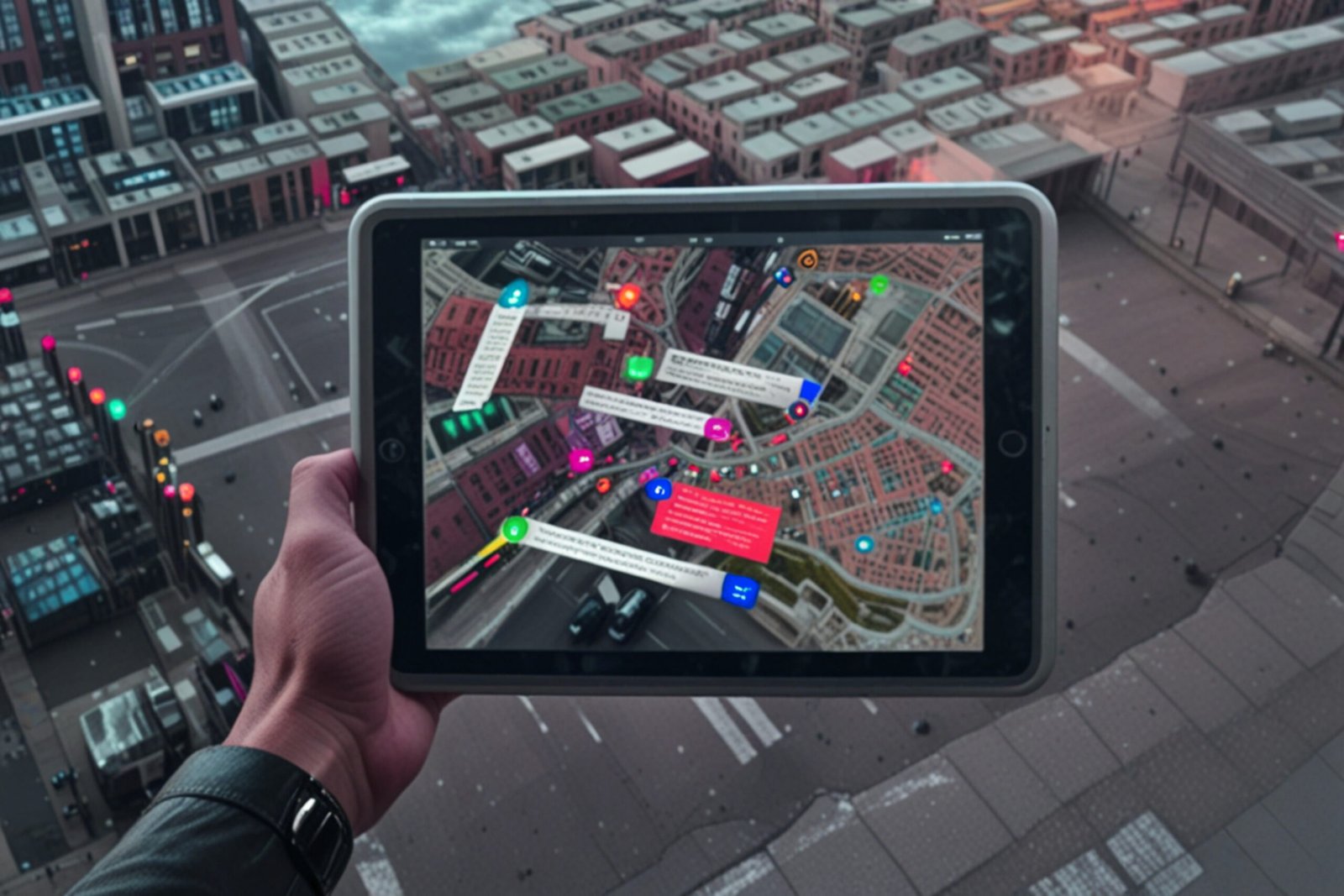
Today’s travelers want more than a comfortable bed — they want to explore like locals.
Guests often ask hosts for recommendations, but verbal tips or long lists can get lost in the shuffle. A personalized Google Map guide solves this problem beautifully: it’s visual, interactive, and always in their pocket. By curating your own map and sharing it via QR code, you turn your rental into a gateway for discovery.
Why a Google Map Guide Is a Game-Changer
- Convenience for guests
Instead of flipping through guidebooks or scrolling endless blogs, guests can open a single map with all your best tips. - Authenticity & trust
Guests love recommendations from someone who lives locally. A map curated by you feels personal and authentic — far better than TripAdvisor’s “Top 10.” - Better reviews
When guests feel they’ve had a smooth, authentic experience, they’re more likely to leave 5 star reviews mentioning how helpful your guide was. - Stand out from the competition
Most rentals don’t offer interactive neighborhood maps. This small touch can make your listing look more thoughtful and guest-focused. - Time-saver for hosts
Instead of repeating the same recommendations over and over, you can hand guests a ready-made guide.
Step-by-Step: Build Your Map in Minutes
Step 1: Open Google Maps
- Log in with your Google account.
- Go to Google My Maps.
Step 2: Create a New Map
- Click “Create a New Map.”
- Give it a clear name, e.g. “Day in Bairro Alto – Local Favorites.”
Step 3: Add Your First Category
Organize your recommendations into categories so guests can easily filter what they want:
- Breakfast & Coffee
- Lunch & Dinner Spots
- Hidden Gems (bookstores, vintage shops, street art)
- Evening Music & Culture
Step 4: Pin Your Spots
- Search for a place (e.g., Pastelaria do Bairro).
- Click “Add to Map.”
- Write a short, personal note (e.g., “Family-run café since 1958, try the almond croissant.”).
Step 5: Customize the Look
- Use different icons/colors for categories (coffee cups, music notes, etc.).
- Add photos for extra appeal — either your own or from Google.
Step 6: Share the Map
- Click Share → set to “Anyone with the link can view.”
- Copy the shareable link.
Step 7: Turn It Into a Guest-Ready Poster
- Paste your Google Map link into the Prints & Spirit Generator.
- It will instantly create a designed poster with your QR code — no extra tools needed.
- Print it out and place it in your rental (on the wall, fridge, or in the welcome booklet).
✨ Guests can now scan and instantly explore your curated neighborhood guide on their phones — and you have a professional-looking poster that matches your rental’s style.
Ready to try it?
👉 [Use the Prints & Spirit Generator here] (your link)
Bonus: Make It Look Professional
You don’t need design skills to make this guide shine. A well-designed poster or printable gives your map a wow factor that guests will remember.
To save you time, we’ve created a free editable template where you can:
- Drop in your QR code.
- Add short notes or categories.
- Print it instantly for your rental.
👉 [Download & Edit Your Experience Guide Template here] (link to your product/template page)
Final Thoughts
Helping guests explore your neighborhood doesn’t just improve their trip — it enhances your rental’s reputation. A Google Map guide is simple to create, easy to share, and adds enormous value to the guest experience. In the world of 2025 travel, it’s often these small, thoughtful touches that transform a good stay into a memorable one.
✨ With a little effort, your guests will leave not only remembering your apartment but the experience of living like locals in your city.

 No products in the cart.